Learning Studio / features
Sign in and return to the page you opened
What happens when you open a Studio link while signed out, and what you see if your access has ended.
Open a Studio link while signed out
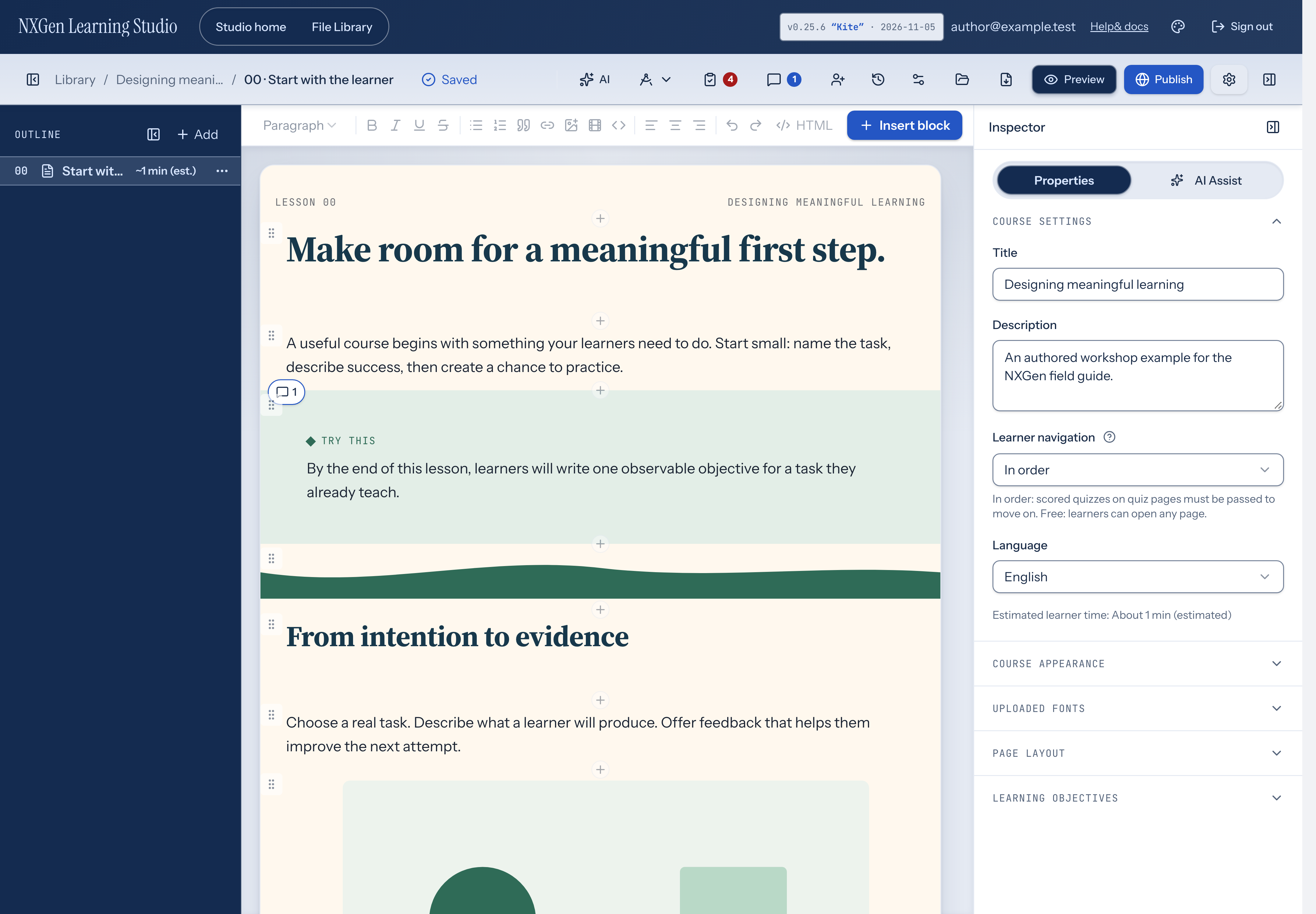
Section titled “Open a Studio link while signed out”Every Studio page, including Studio home, File Library, and the editor, requires you to be signed in. If you open a Studio link while signed out, the sign-in page opens first. After you sign in, Studio takes you to the page you opened, such as a specific course in the editor.
If you open the sign-in page directly, or the link doesn’t point to a Studio page on this site, you land on Studio home after signing in.
If your access has ended
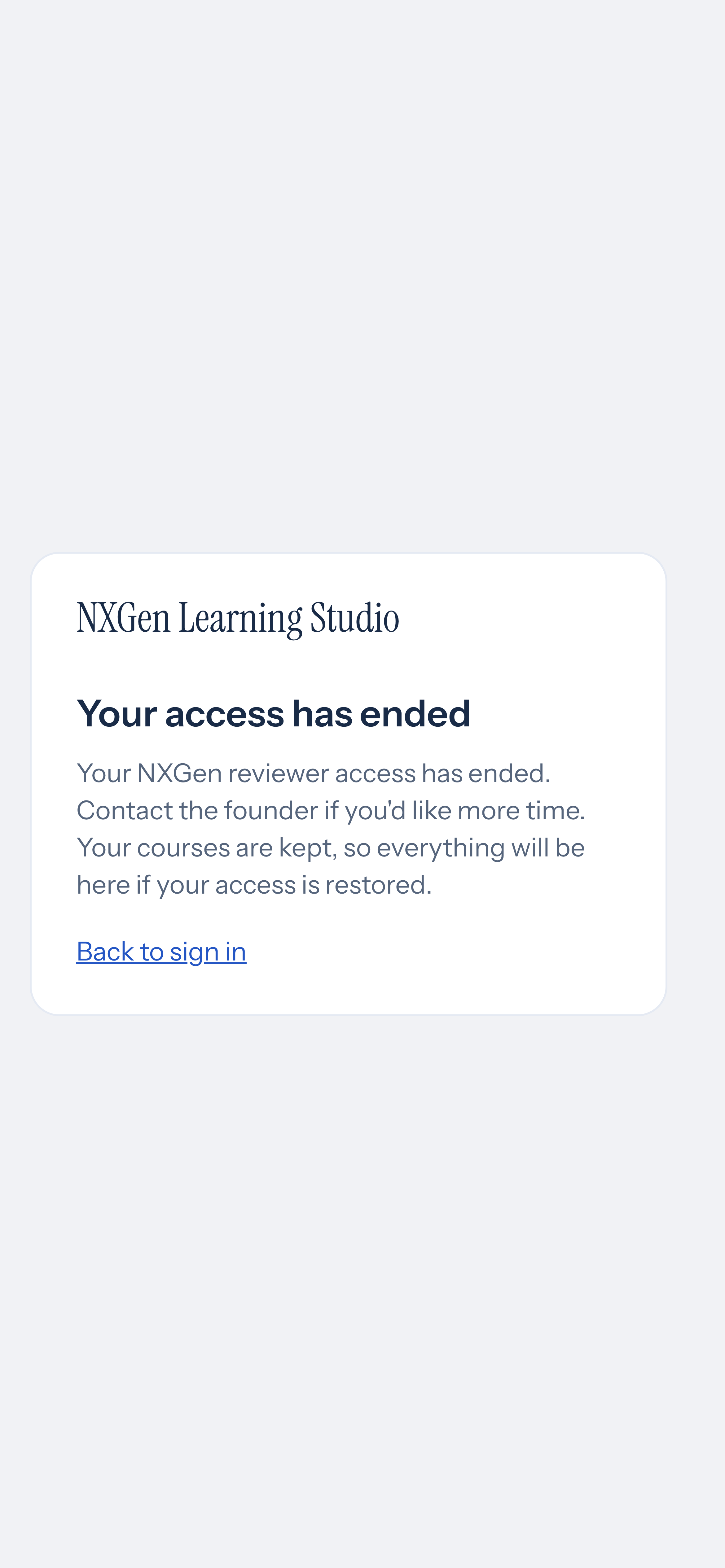
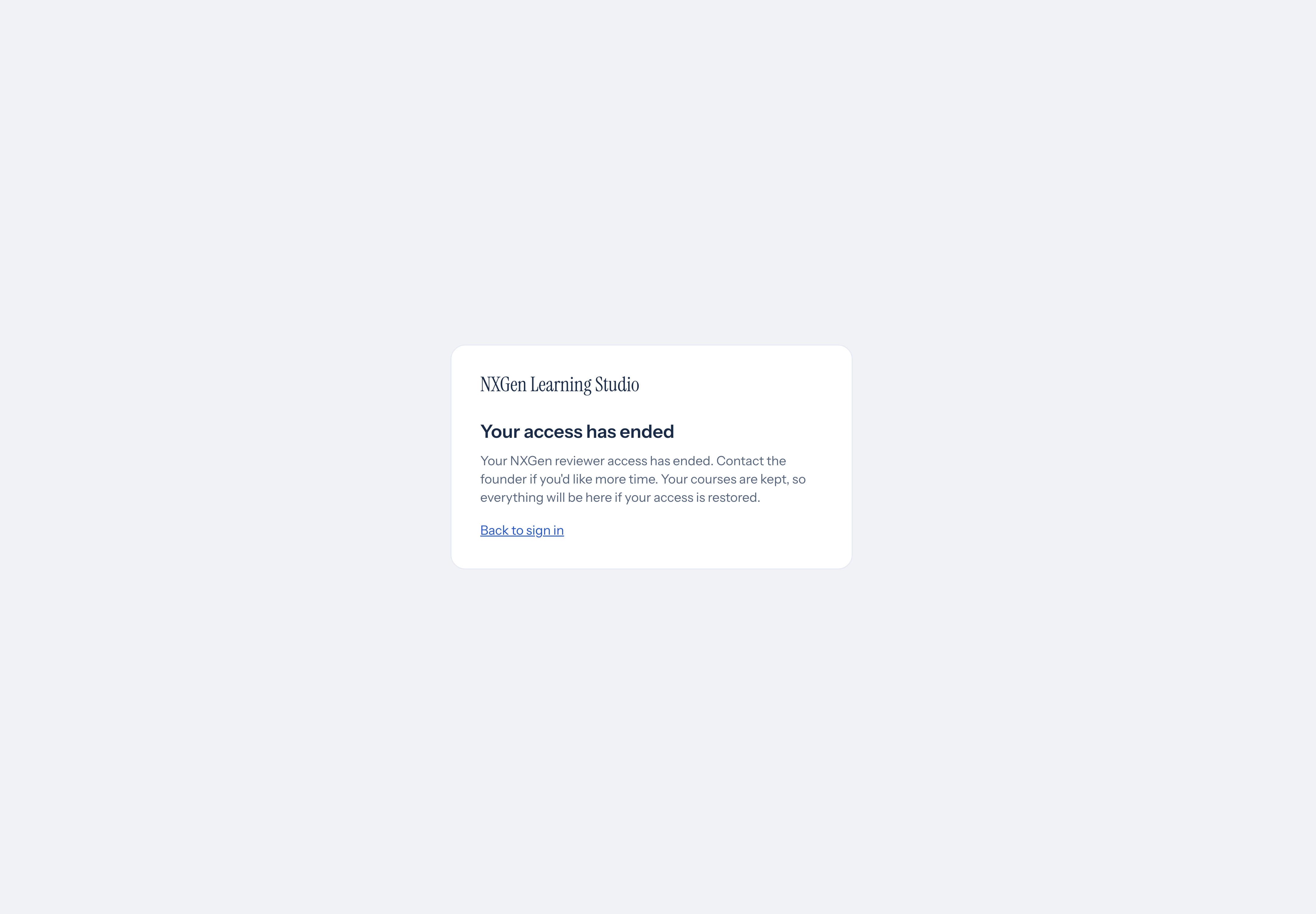
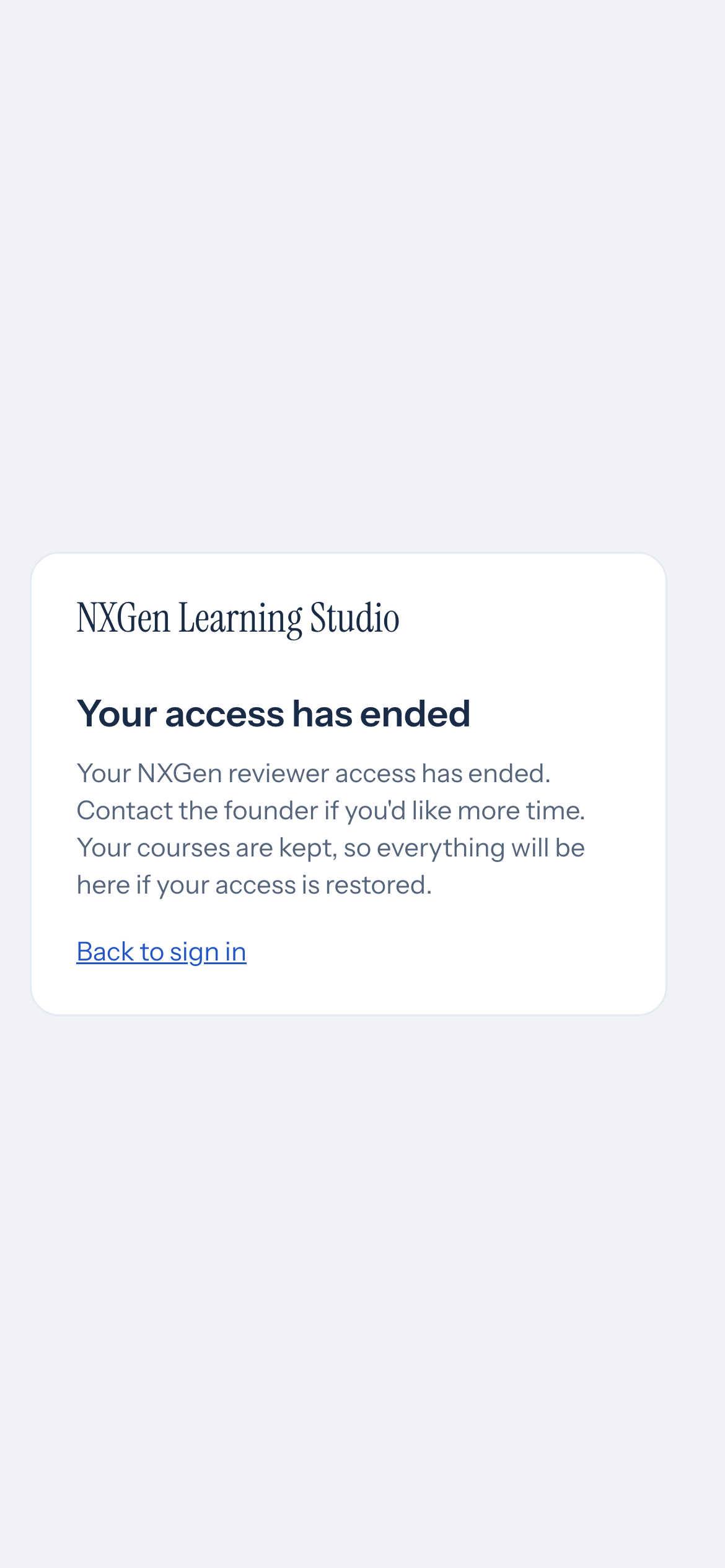
Section titled “If your access has ended”Reviewer access can end, for example when a review period is over. When it does, opening a Studio page shows Your access has ended instead, and you are signed out. Your courses are kept, so everything is still there if your access is restored. Choose Back to sign in to return to the sign-in page.
For what reviewer access includes and how to ask about restoring it, see Reviewer Mode.
Availability and limits
Section titled “Availability and limits”- Studio checks your access when you open a page, and checks it again on every save and action. If your access ends while a page is open, your next save or action is refused, and the next page you open shows Your access has ended.
- Signing in again does not by itself restore ended access.