Learning Studio / learn
Explore the learner preview
Check the experience in different device sizes before sharing for review.
Use Preview to read and interact with your course as a learner before sharing it for review.
Open Preview
Section titled “Open Preview”Open a course as an author and choose Preview. You need to be signed in; this isn’t a public course link.
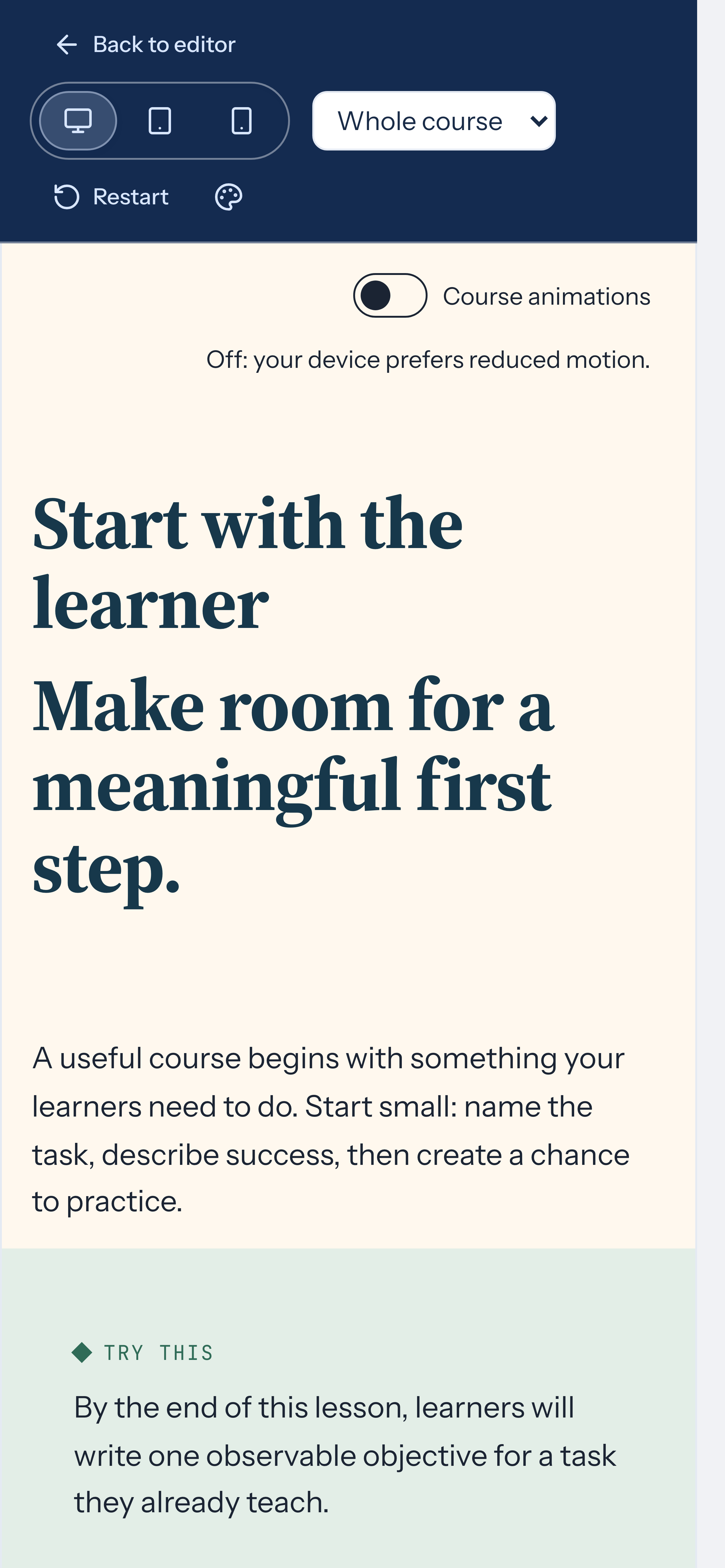
Choose a page or the whole course, then select a desktop, tablet, or phone viewport. Preview shows the same content as the editor with editing disabled. Preview reflects your unsaved edits, so you can review changes before saving.
Progression
Section titled “Progression”With free navigation, learners can move between pages. With ordered navigation, scored quizzes can block access to later pages until passed. When a gating quiz blocks progress, a message tells the learner to pass the quiz to continue.
Practice checks, checklists, widgets, decorative dividers, and required/decorative presence settings don’t block progress. Use assessments to understand when a quiz controls progression.
Restart
Section titled “Restart”Use Restart when you want to test from the beginning. It resets quiz progress and clears this learner’s checklist ticks for the course on this device and in your signed-in account. Shuffled quizzes get a new order after Restart. The page counter treats the first page as visited again so the footer never shows 0 visited. Review what you want to test before clearing that progress.
Read Practice and check understanding before testing scored quizzes. Public publishing, enrollment, and LMS delivery aren’t available in this build.