Learning Studio / features
Reset your password
Request a password-reset link and choose a new password for your existing account.
Request a reset link
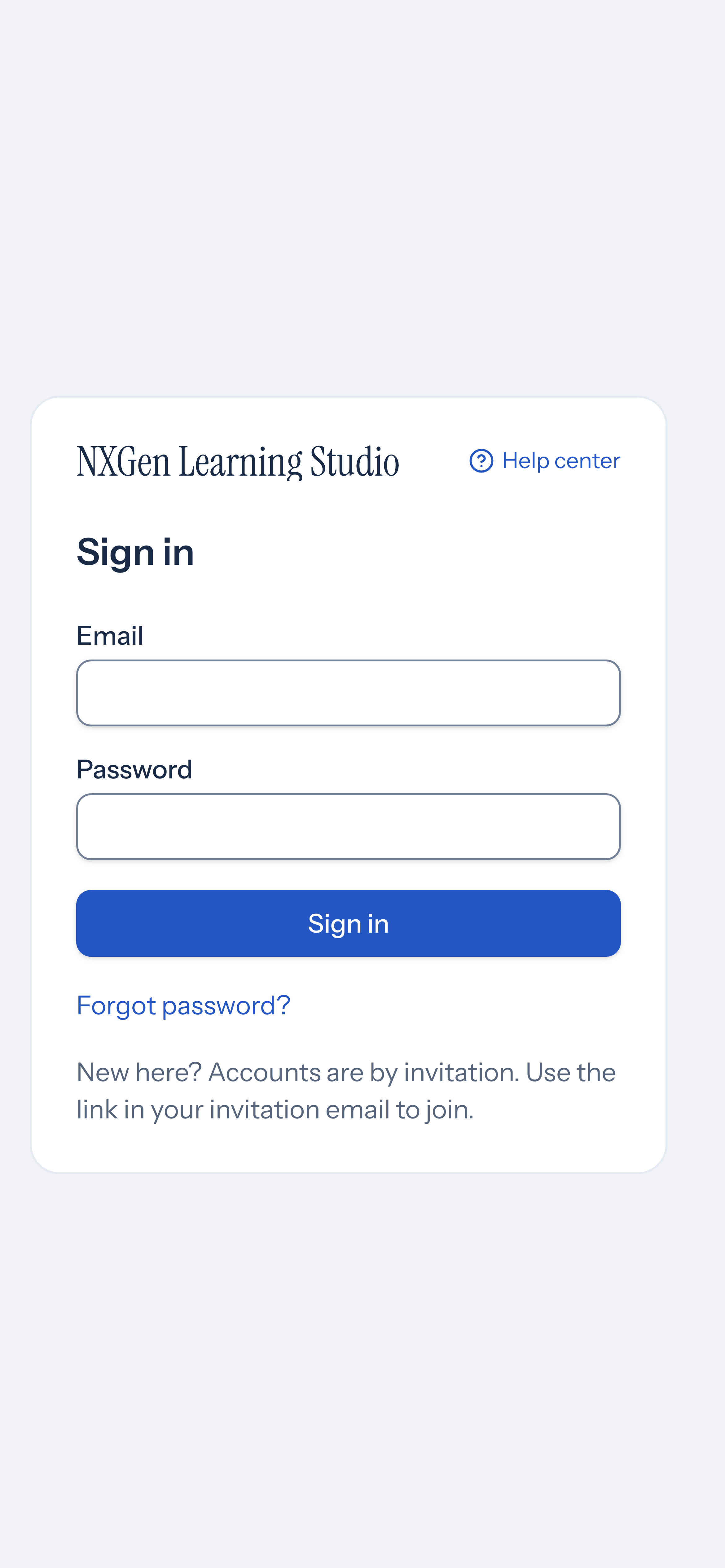
Section titled “Request a reset link”- Open the sign-in page and choose Forgot password?.
- Enter the email address for your account.
- Choose Send reset link.
The page says If an account exists for that email, we’ve sent a link to set a new password. This message does not confirm whether an account exists. Password reset does not create an account; new accounts still require an invitation.
Choose a new password
Section titled “Choose a new password”Open the link in the email. On Set your password, enter a New password of at least 10 characters, repeat it in Confirm password, and choose Save password. After a successful save, Studio home opens.
If the link has expired
Section titled “If the link has expired”If you see Get a new link, enter your email and choose Send a new link. You can also return to the sign-in page and use Forgot password? again. Check that you entered the address associated with your account and look in your spam or junk folder if the email does not arrive.