Learning Studio / features
Sign out of Learning Studio
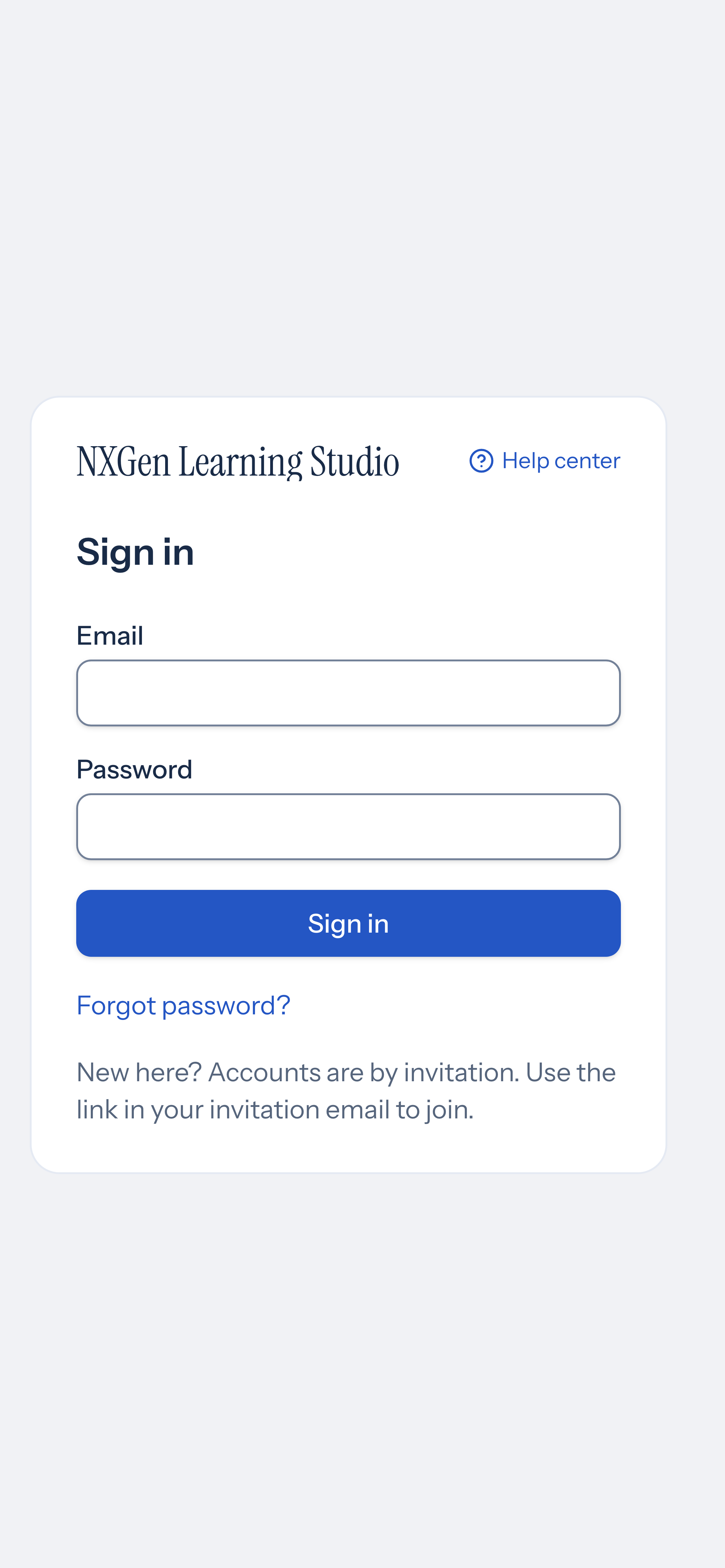
End your session and return to the sign-in screen.
Sign out from the top bar
Section titled “Sign out from the top bar”Use the Sign out button in the top bar to end your session and return to the sign-in screen. The button appears in the top-right area of the header, next to the appearance toggle and Help link.
- Click Sign out in the top bar.
- Your session is cleared and you are redirected to the sign-in screen.
Availability and limits
Section titled “Availability and limits”- The Sign out button is available to authenticated users in the top bar on all screen sizes.
- On screens narrower than the extra-large breakpoint, the “Sign out” text label is hidden and only the logout icon is shown; the button remains accessible.