Learning Studio / features
Configure separator blocks
Set separator shape, fill color, height, and flip or rotation.
Configure a separator block
Section titled “Configure a separator block”A separator block adds a decorative shape between sections of a page. It is purely visual: learners never interact with it, and it never affects progress. The block’s default style is full-bleed width with no padding.
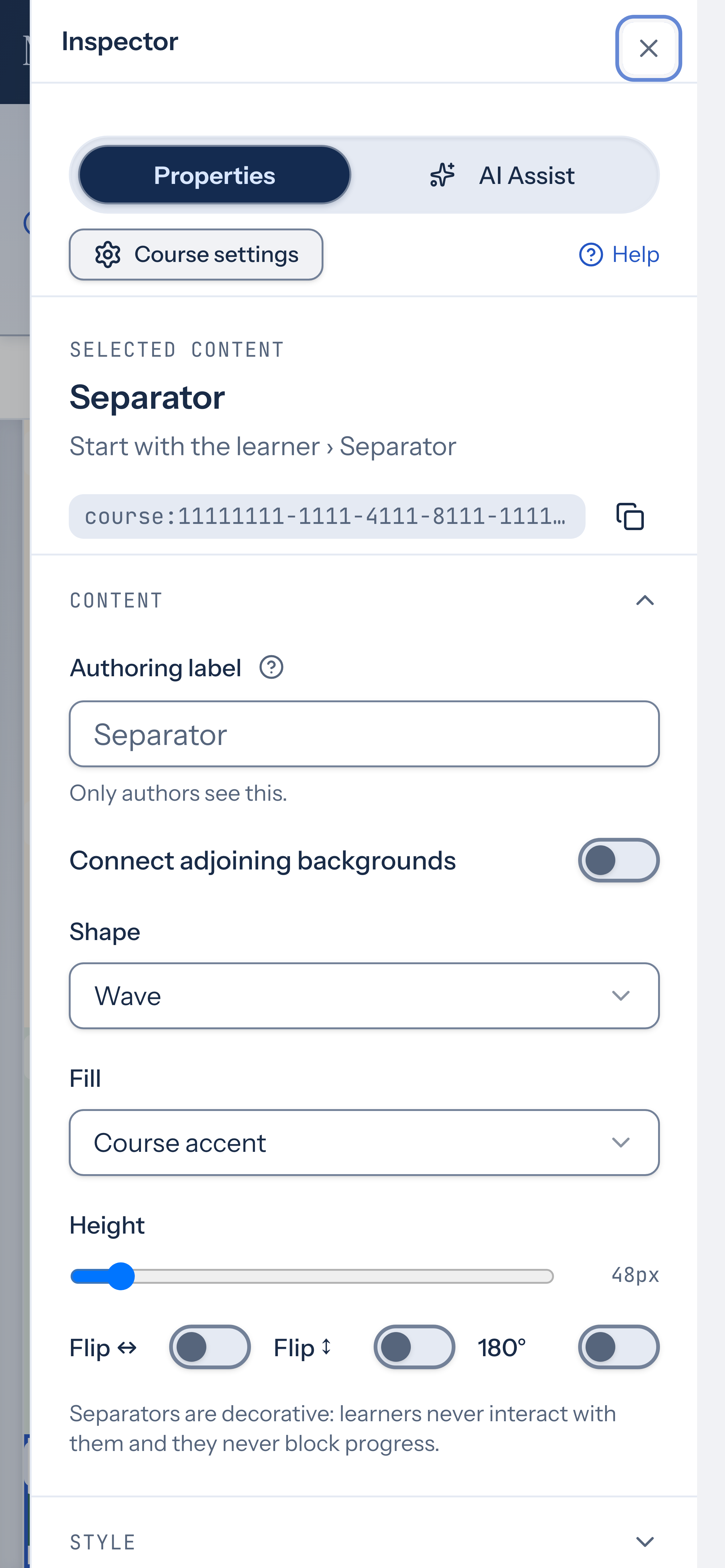
When you select a separator block, the inspector shows its properties:
- Shape — choose Line, Dotted, Fade, Wave, Mountain, Angle, or Gradient.
- Fill — use a course token (Course accent, Course panel, Course heading, or Course text) or a custom hex color.
- Height — drag the slider between 24 and 320 pixels.
- Flip ↔ — mirror the separator horizontally.
- Flip ↕ — mirror the separator vertically.
- 180° — rotate the separator 180 degrees.
Connect adjoining backgrounds
Section titled “Connect adjoining backgrounds”Turn on Connect adjoining backgrounds when the separator should join two content areas rather than sit between them as a separate decoration. Place it directly between the blocks whose backgrounds you want to connect.
Connected transitions use the visible neighboring solid backgrounds. Choose Wave, Angle, or Mountain; other shapes fall back to Wave in connected mode. Fill and vertical flips apply only in standalone mode. When a neighboring block has no supported solid background, the transition uses the course background on that side. Gradients and images are not carried through the shape. Check the result in Preview and use a standalone separator when needed.
Keep separators purposeful: use one to mark a change in topic or activity. Preview at phone width too, and keep headings in the content so the structure is clear without the decorative shape.