Learning Studio / features
Add a readiness or confidence scale
Offer a small set of choices with feedback that helps learners decide what to do next.
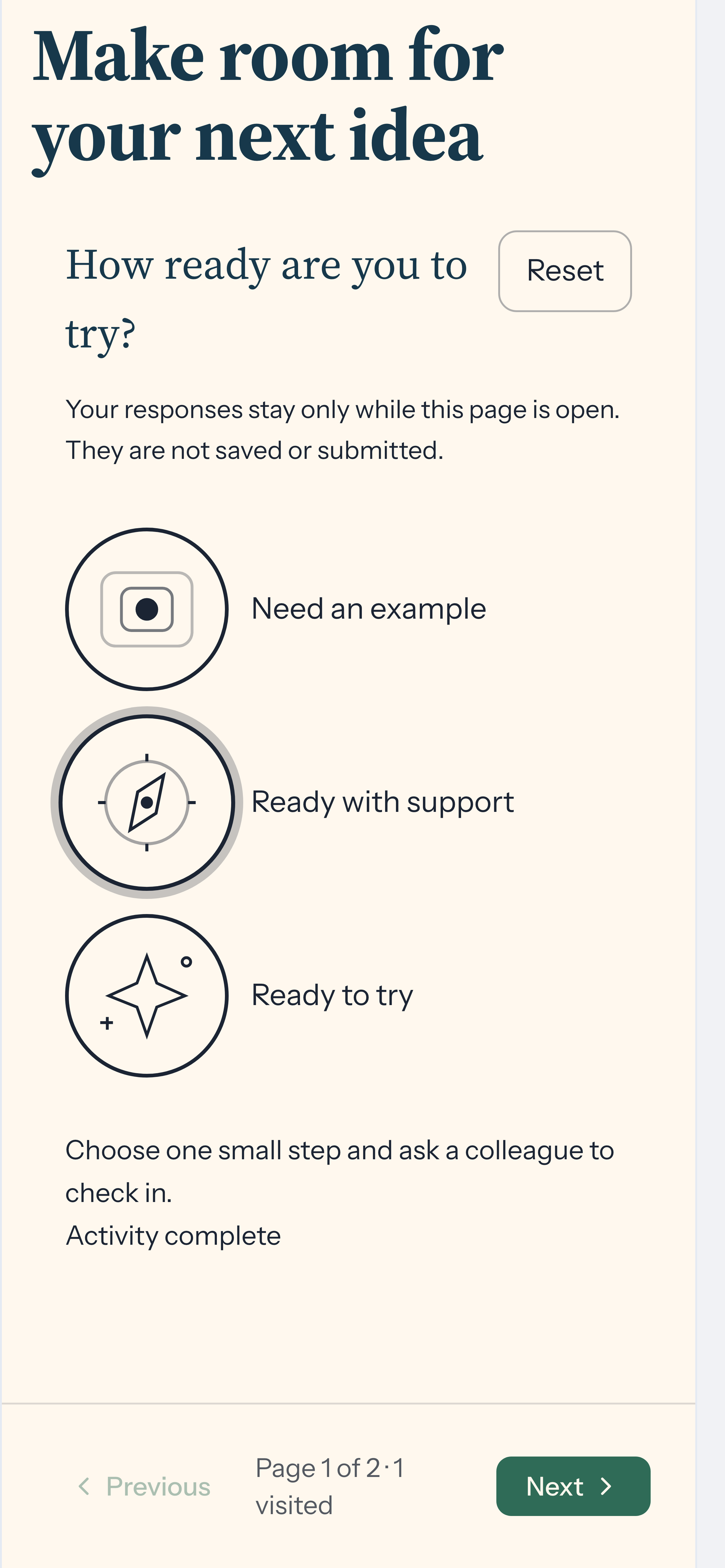
Use a Choice scale to ask how ready, confident, or comfortable someone feels. Give each response useful feedback: a learner who needs support might revisit an example, while someone ready to begin might try a small task.
The scale is ungraded. It does not measure demonstrated mastery or block course navigation. Choices stay only while the page is open; they are not saved or submitted.
Build the scale
Section titled “Build the scale”- Choose Insert block, then Choice scale, and open Edit properties.
- Write a Title that asks one clear question.
- Choose Standard markers or Illustrated track under Presentation.
- Give each option a Label and optional Feedback (optional). You can use two to six options, reorder them with the move-up controls, and choose an illustration for each option in an illustrated track.
- Turn on Require a choice for completion if you want the activity to show Activity complete after selection. This is an indicator, not a requirement for the next page.
Open Preview and select each option to check its feedback.
Make the choices meaningful
Section titled “Make the choices meaningful”Arrange options in a consistent order, such as Need an example, Ready with support, and Ready to try. Describe each state in words rather than relying on a number or illustration. Feedback should suggest a useful next action without treating uncertainty as failure.
Learners can change their selection or choose Reset to clear it. Radio controls support keyboard selection. Check the phone preview as well as desktop so labels remain readable.